> ## Documentation Index
> Fetch the complete documentation index at: https://docs.lumi.new/llms.txt
> Use this file to discover all available pages before exploring further.
# Revert
> Stay in control and use credits efficiently.
The Revert feature restores your project to a previous state without consuming tokens. Think of it as an undo button that saves time and resources when errors occur.
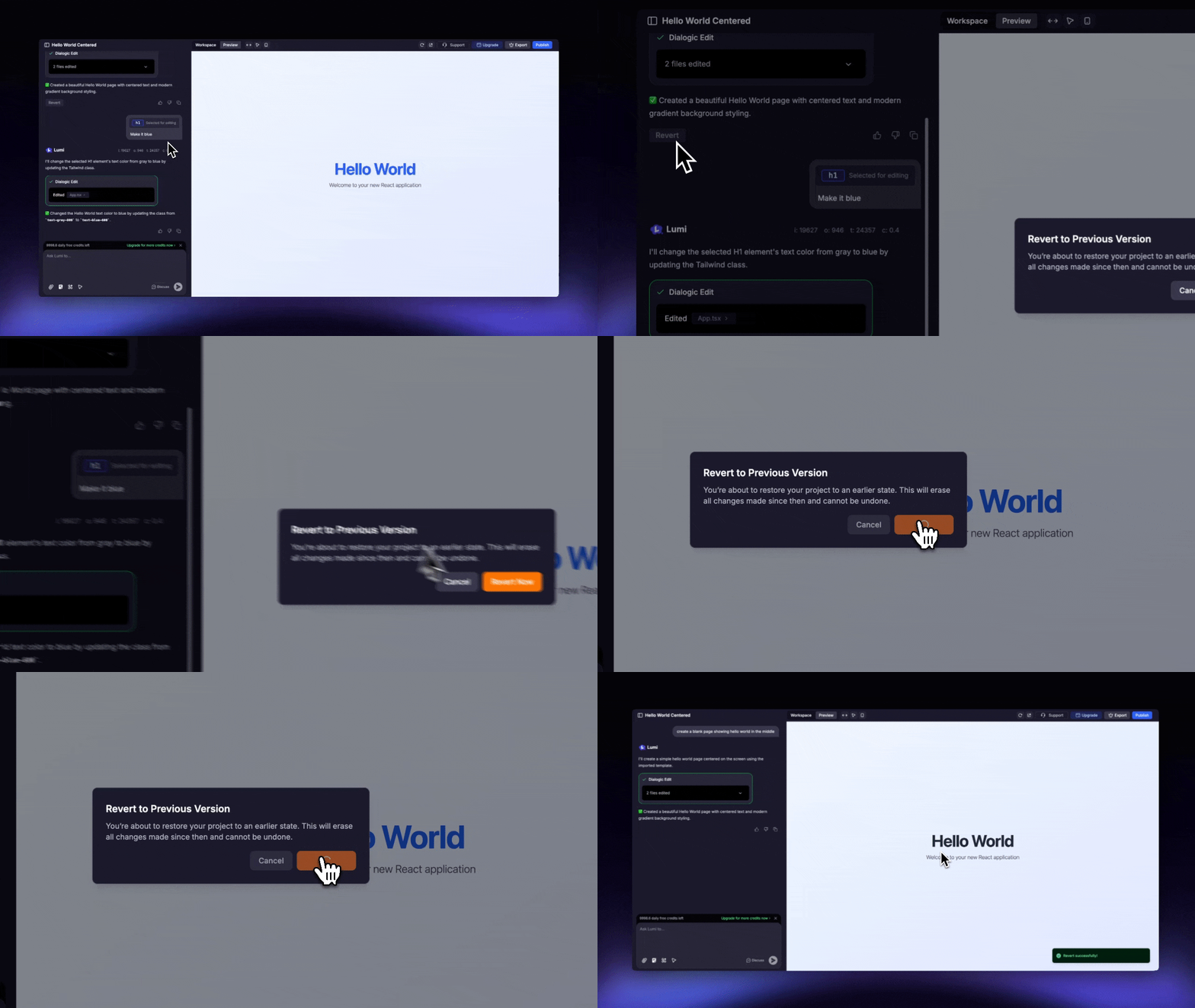 Please be aware this action is final and cannot be reversed, as there is no "redo" function. Lumi will permanently delete all changes made after the point you revert to and you will lose unsaved visual edits or code edits.