> ## Documentation Index
> Fetch the complete documentation index at: https://docs.lumi.new/llms.txt
> Use this file to discover all available pages before exploring further.

# 關於 Lumi

> 了解 Lumi 以及如何開始使用
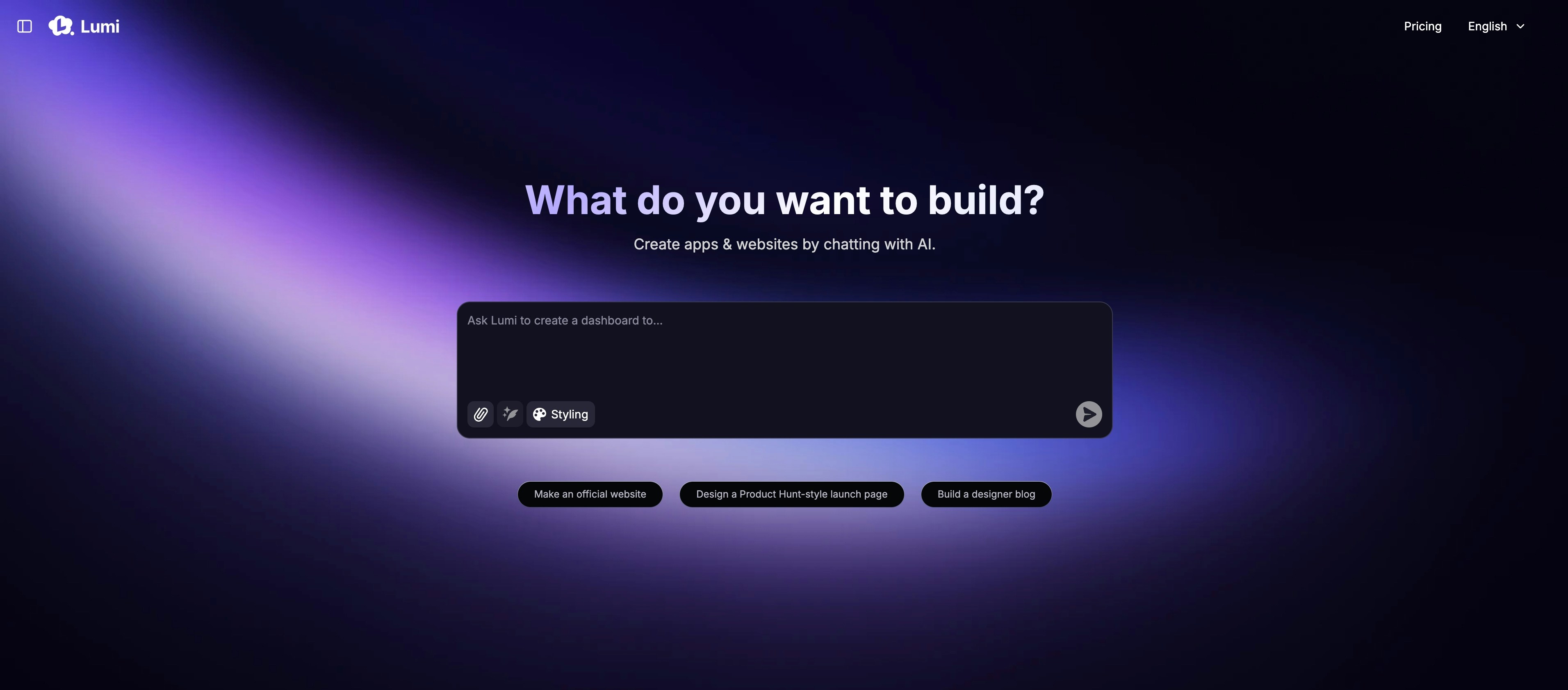
<img src="https://mintcdn.com/blockdance/ynWgEA-zeP9dMZPg/images/20250821-202133.jpeg?fit=max&auto=format&n=ynWgEA-zeP9dMZPg&q=85&s=97442ddf98e65bf43b19ba56f6c17969" alt="20250821 202133 Jpe" width="3824" height="1682" data-path="images/20250821-202133.jpeg" />

使用 Lumi，只需透過描述即可建立專業網站。Lumi 的 AI 讓任何人，從初學者到專業人士，都能使用日常語言創建一個完整的網站。您的話語將成為程式碼。

<Columns cols={2}>
  <Card title="快速入門" icon="hourglass-start" color="#2E5FFF" href="/zh-TW/introduction/quick-start">
    * 一步步建立您的第一個專案。
  </Card>

  <Card title="功能" icon="toolbox" color="#2E5FFF" href="/zh-TW/features/modes">
    * Lumi 的核心功能。
  </Card>

  <Card title="進階方法" icon="book" color="#2E5FFF" href="/zh-TW/advanced-methods/glossary">
    * 學習如何與 Lumi 更好地協作。
  </Card>

  <Card title="更新日誌" icon="star-christmas" color="#2E5FFF" href="/zh-TW/changelog/changelog">
    * 了解最新的功能與改進。
  </Card>
</Columns>
