
Documentation Index

Fetch the complete documentation index at: https://docs.lumi.new/llms.txt

Use this file to discover all available pages before exploring further.

Lumi’s authentication and user management allow you to quickly add secure login and sign-up features to your app. It handles all the complex security for you, and gives you a simple dashboard to view and manage all your users. Yanshi Gi During the conversation with Lumi, simply request to set up the login feature and the system will instantly provide a comprehensive user entry point for both signing in and signing up.

Manage Users

The User interface in workspace offers a centralized admin dashboard to manage all users in your workspace. Specifically, you can:
  • View registered users’ information, such as username, email, and account creation time
  • Designate specific users as administrators. Administrator privileges include access to both page and data permissions, granting them read and write/delete capabilities for all data without being restricted by the “Creator Only ” rule in Security settings.
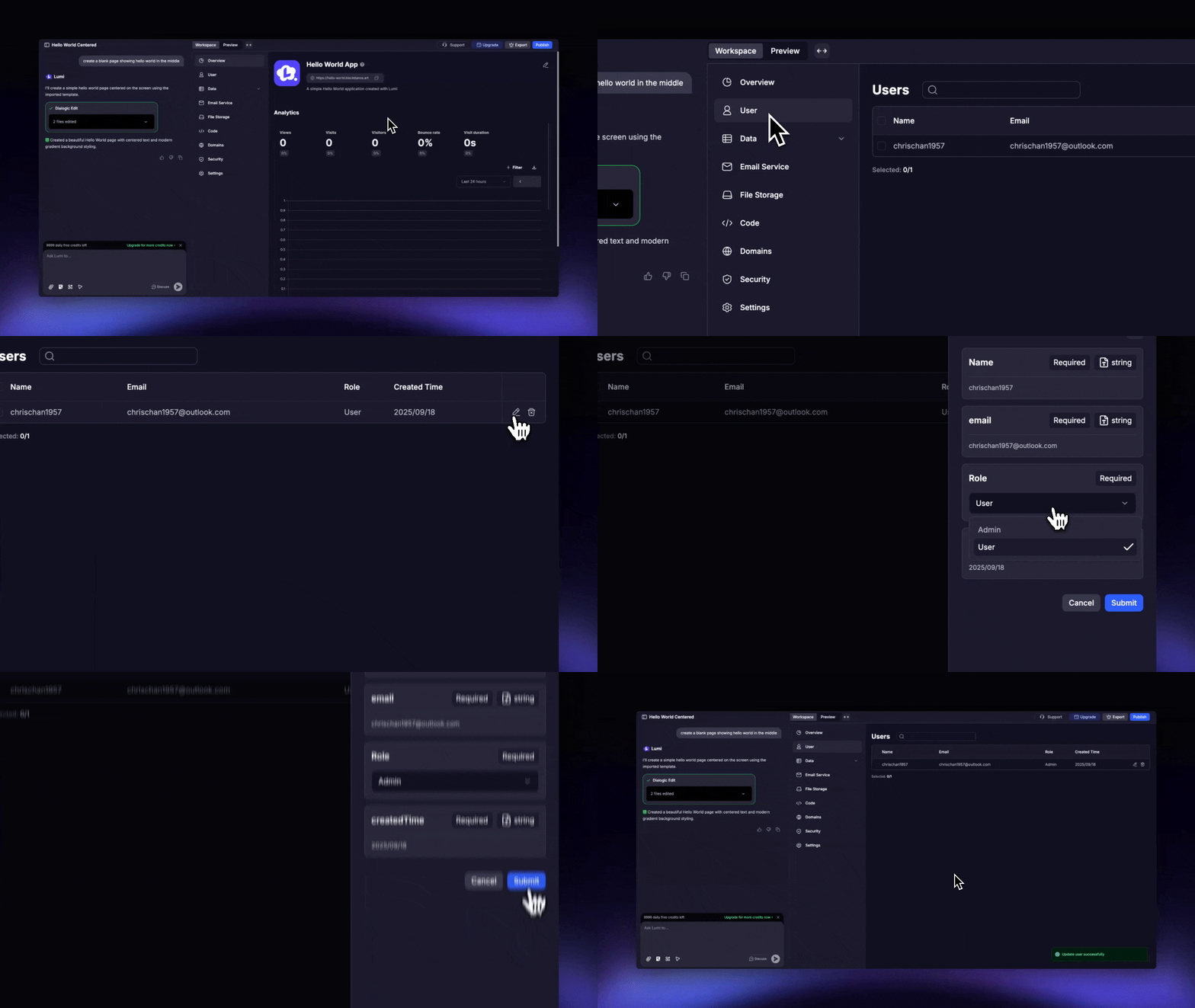
Users Set Admin Gi