

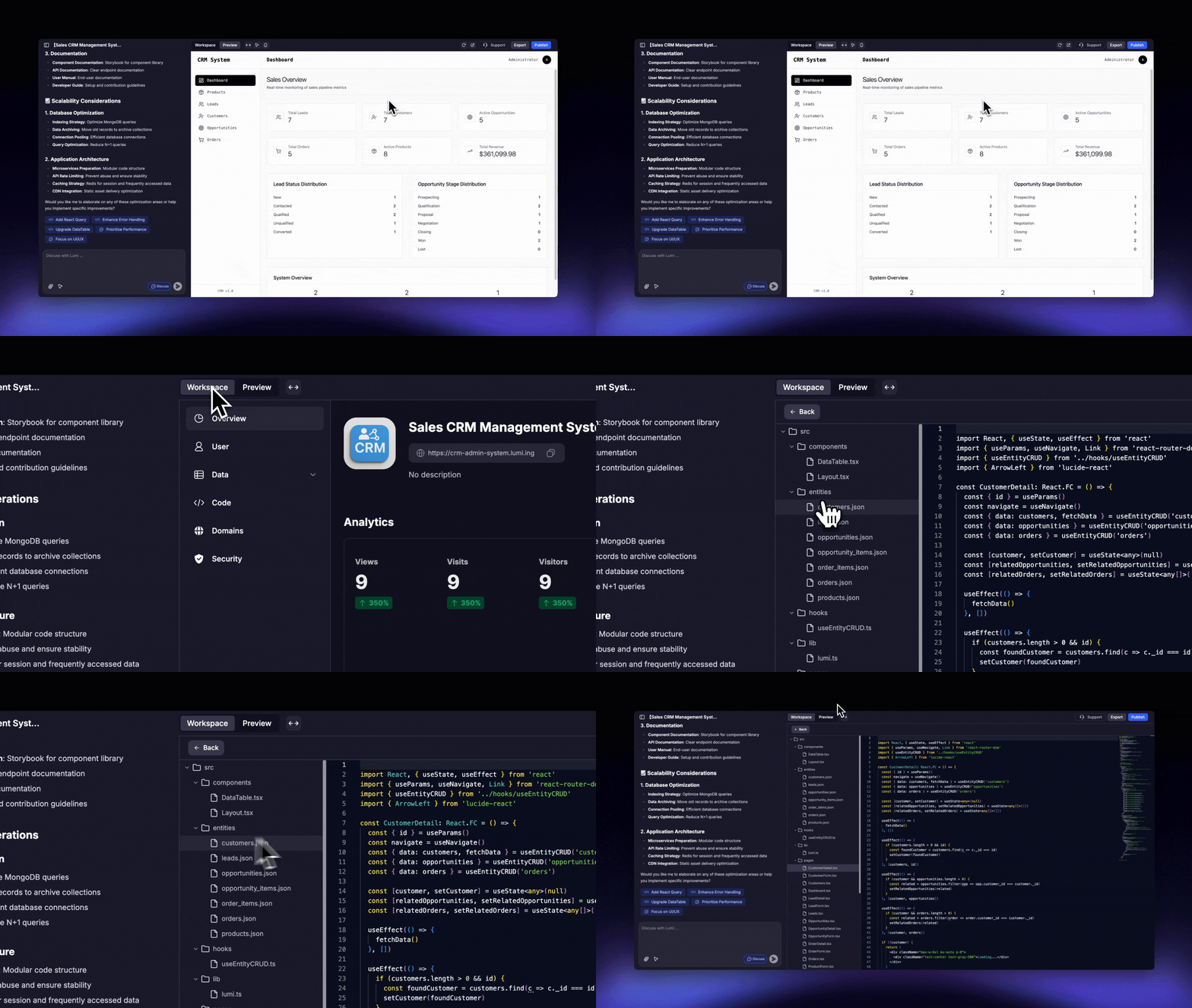
Open Code Mode
Click the Code tab at the top of the workspace. The file tree is on the left; click a file to open it in the editor. Your backend functions appear in afunctions folder (read-only here).
Who can edit
- Pro and Lite members can edit code.
- Free users can view code in read-only mode. To edit, upgrade your plan.
Edit and save
1
Edit files
Make your changes in the editor. Lumi shows “You have unsaved code edits.” until you save or reset.
2
Save or reset
Click Save all to apply your changes to the project, or Reset all to discard them.