

Available styles
How to use a style
1
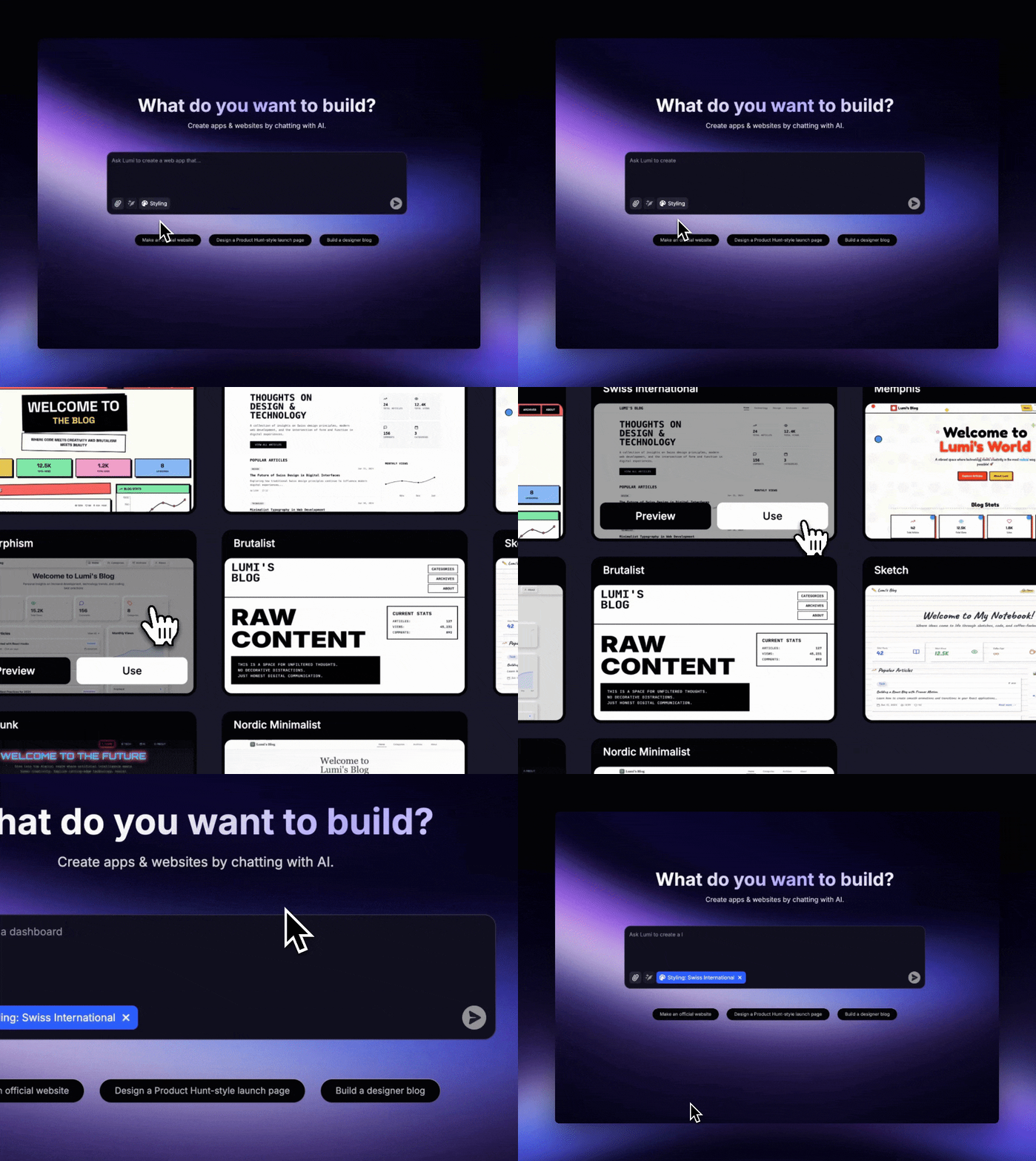
Open the Styling Library
On the homepage, click Styling at the bottom of the prompt box.
2
Preview the styles
Click Preview on any style to open a sample page in a new tab and see how it looks.
3
Pick one
Click Use. The prompt box now shows Styling: [style name]. To remove the style, click the × next to its name.
4
Describe your project and send
Lumi builds your new project in the style you picked.
The Styling Library is available on the homepage when you start a new project, on desktop. To change the look of an existing project, describe the style you want in the chat — for example, “Redesign the site in a Nordic minimalist style”.